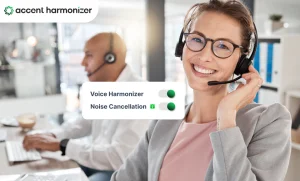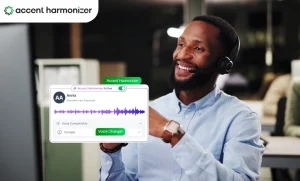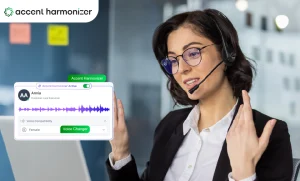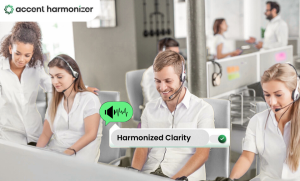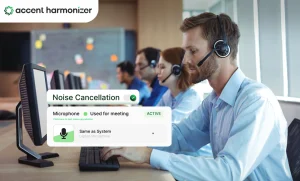
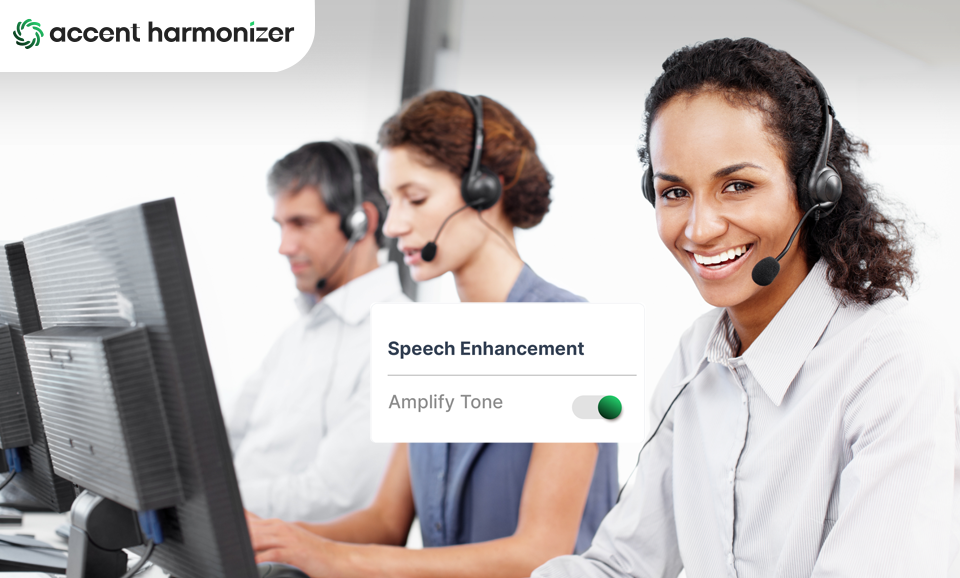
Accent Translation demo can tell you whether processed speech sounds clearer. It cannot tell you whether the software belongs in your contact-center stack. Production evaluation has to answer harder questions. What happens to the voice between the agent’s microphone and the customer? Does processing preserve the speaker while improving intelligibility? Does the conversation still feel immediate? What changes when the software meets your CCaaS platform, network, security requirements, and hundreds of agent endpoints?
Those are the questions that separate an interesting voice demo from deployable accent translation software for contact center.
What Accent Translation Software Actually Has to Do?
Accent Translation operates on speech during a live conversation. It targets pronunciation characteristics that can make speech harder for another person to process across accents. For a contact center, successful software should improve intelligibility without unnecessarily changing:
- the words being spoken,
- the speaker’s recognizable voice,
- conversational tone,
- emotional expression,
- natural pacing.
Accent translation software operates during the conversation itself.
Follow the Voice Path Before Evaluating the Software
For contact centers, the most useful way to understand Accent Translation is to follow the audio. In one common outbound implementation, the simplified path may look like this:
| Outbound Call Signal Path with Accent Processing |
|---|
Source Agent Microphone → Real-Time AI Accent Harmonizer → Platform Softphone / CCaaS → Transport Telephony Network → Endpoint Customer |
That simple diagram exposes several separate evaluation points.
The endpoint has to capture usable speech. The processing layer has to modify it quickly and naturally. The output has to enter the existing calling environment without disrupting agent workflows. Telephony still has to transport the audio reliably. Downstream recording, QA, analytics, and CRM systems may continue to interact with the conversation according to the contact center’s existing architecture.
Teams planning implementation should therefore map how voice harmonization fits into the existing telephony environment before treating integration as solved.
What Should Accent Translation Software Prove in Production?
A feature list is a poor substitute for production evidence. The software has to prove that it can perform across the conditions that matter inside the contact center.
1. The listener understands the agent more easily
Start with intelligibility, not transformation.
| Voice & Accent Processing Evaluation |
|---|
✘ Ineffective Metric “Can we hear that the accent changed?” ✔ True Business Benchmark “Does the customer need less communication repair?” |
Representative testing should include different agent accents, customer geographies, speaking speeds, call types, names, numbers, addresses, and domain-specific terminology. Watch for signals such as repeated questions, requests to slow down, rephrasing, or misunderstood information.
2. The speaker still sounds like the speaker
Clarity should not require flattening every agent into the same voice. Evaluate whether the processed output retains recognizable vocal characteristics, tone, expression, rhythm, and natural variation.
Listen specifically for robotic cadence, over-processing, flattened emotion, unstable pronunciation, or artifacts that appear only in longer conversations. Accent Harmonizer current product positioning emphasizes preserving an agent’s natural tone and personality while making speech easier to understand. It should be tested with real agents, not accepted from a controlled sample alone.
3. Processing does not interfere with conversation flow
A system can produce technically impressive audio and still perform poorly in a live conversation. Processing delays can affect turn-taking. Agents and customers may begin speaking over one another, hesitate unnecessarily, or experience the interaction as unnatural.
Test whether normal conversational behavior survives:
- quick exchanges,
- interruptions,
- longer sentences,
- changes in speaking speed,
- extended calls.
4. The software fits the actual contact-center environment
Compatibility should go beyond a logo saying that a platform is “supported.” Buyers should establish:
- where the processing layer enters the audio path,
- which softphones and CCaaS environments are supported,
- whether existing headsets can remain in use,
- what endpoint and network dependencies exist,
- how users and configurations are administered,
- how different teams or locations are governed.
5. Voice-data handling matches the deployment being evaluated
Live voice processing introduces another question: where does the audio go?
Security teams should establish:
- where live speech is processed,
- whether conversation audio is retained,
- what operational or application data exists separately,
- whether incoming customer audio is processed,
- which downstream systems continue to receive the call,
- what applies contractually to the specific deployment.
What Accent Translation Software Cannot Fix?
Accent Translation has a specific job. It cannot compensate for poor product knowledge, incorrect information, weak call flows, ineffective listening, or inadequate agent training. Moreover, it does not replace language translation when two people do not share a language or repair every voice-quality problem.
Clearer communication may contribute to fewer repetitions or shorter interactions, but Accent Translation alone does not determine AHT, FCR, CSAT, or conversion. Those metrics have multiple operational causes.
The technology should be judged first on the problem it is designed to address:
| Cross-accent Speech Evaluation Protocol | |
|---|---|
| Evaluation Criteria | Technical Focus & Operational Impact |
| Primary Assessment Metric |
|
| Target User Base | Speakers who already share a common language (e.g., English) but face communication friction caused by regional phonetic and accent variations. |
| Enterprise CX Solution | Deploying real-time voice tools like Accent Harmonizer bridges cross-accent distance without stripping speaker identity or voice authenticity. |
Validate Accent Translation With a Production Pilot
| Technology Demonstration vs. Production Pilot | |
|---|---|
Stage 1: Demonstration A Demonstration Answers: “Can the technology work?” Stage 2: Deployment A Controlled Production Pilot Answers: “Does it work here?” That difference matters. | |
Pilot groups should represent the agents, accents, queues, endpoints, network conditions, and customer conversations expected in production. Rather than relying only on whether participants “like the sound,” look for evidence that communication behavior changes. Useful signals may include clarification requests, agent rephrasing, and comprehension failures involving critical information such as names or numbers.
Then determine whether those gains remain consistent without unacceptable effects on voice naturalness, conversation flow, or the existing call environment.
Where Accent Harmonizer Fits?
Accent Harmonizer by Omind AI (powered by Sanas) uses AI technology for smoother communication between agent and customer. Its Accent Translation capability around on-device deployment, compatibility with existing contact-center systems, real-time processing, and preservation of natural voice characteristics.
Choose Accent Translation Software by What It Proves on Real Calls
Contact centers need software that improves intelligibility while keeping the speaker recognizable, maintains natural conversation flow, fits the existing voice path, satisfies the organization’s data-handling requirements, and remains manageable when deployment expands.
Follow the voice from microphone to customer. Test each point where the technology touches that path. Then validate the result with the people, systems, and calls that will actually use it.
That is a much stronger basis for deployment than deciding whether a before-and-after recording sounds impressive.
Ready to Test Accent Harmonization Beyond the Demo?
A staged recording won’t tell you how speech transformation performs under real contact center network conditions, latency constraints, and complex softphone architectures. Book Accent Harmoniser’s enterprise evaluation checklist to structure a controlled proof-of-concept for your teams.